Router
Juniper router configuration guide for business networks
A Juniper configuration guide covering interfaces, security zones, policies, NAT, VLANs, VPN, monitoring and backup.
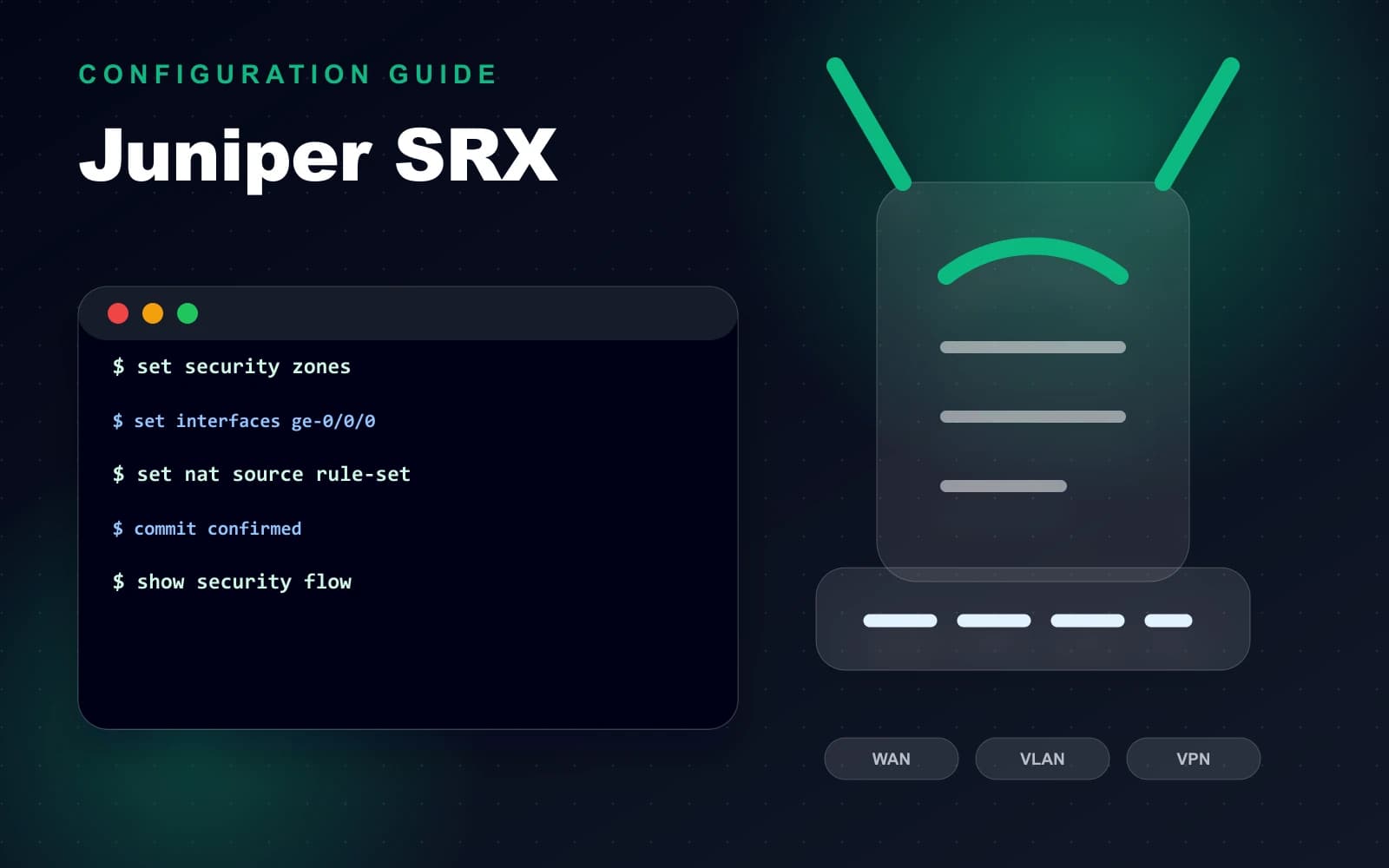
Before configuration
A Juniper configuration guide covering interfaces, security zones, policies, NAT, VLANs, VPN, monitoring and backup.
Start with a clear network plan: WAN information, LAN subnets, VLAN IDs, DHCP ranges, DNS, VPN users, firewall policy and rollback method.
- ✓Back up the current configuration.
- ✓Confirm firmware version and license status.
- ✓Prepare IP/VLAN plan and administrator access.
- ✓Schedule downtime or maintenance window if needed.
Base network design
A business router should separate office users, CCTV, guest WiFi, servers and management traffic when the network requires stronger control.
Use clear naming, comments and change records. This makes later troubleshooting and replacement work much easier.
Configuration reference
The following examples should be adjusted to the actual IP plan, WAN type, VLAN design, security policy and firmware version. Always back up the current configuration before applying changes.
After configuration, test DHCP, DNS, NAT, VPN, inter-VLAN access, firewall rules and failover behavior before handover.
Security and handover
Disable unused services, restrict management access, use strong credentials, keep time synchronization enabled and store the configuration backup safely.
The handover should include WAN settings, LAN/VLAN table, DHCP scopes, VPN users, firewall rule summary and recovery notes.
FAQ
Who is this guide for?
It is written for business owners, project managers, IT teams and facility managers who need to plan a reliable technology system before procurement or installation.
What should be prepared before implementation?
Prepare floor plans, current infrastructure information, operating requirements, user count, security requirements, budget range and expected handover scope.
How can Tien Thanh Digitech support the project?
Tien Thanh Digitech can survey the site, propose a suitable configuration, install the system, test operation and provide handover documentation.
Reader interaction
Rate and discuss this article
Help other readers evaluate the article quality and leave practical implementation questions.
Article rating
Rate the usefulness of this technical article.
Comments
Ask a question or share a field note after reading.
Share article
Send this article through Facebook, Zalo, LinkedIn or email.